DBC
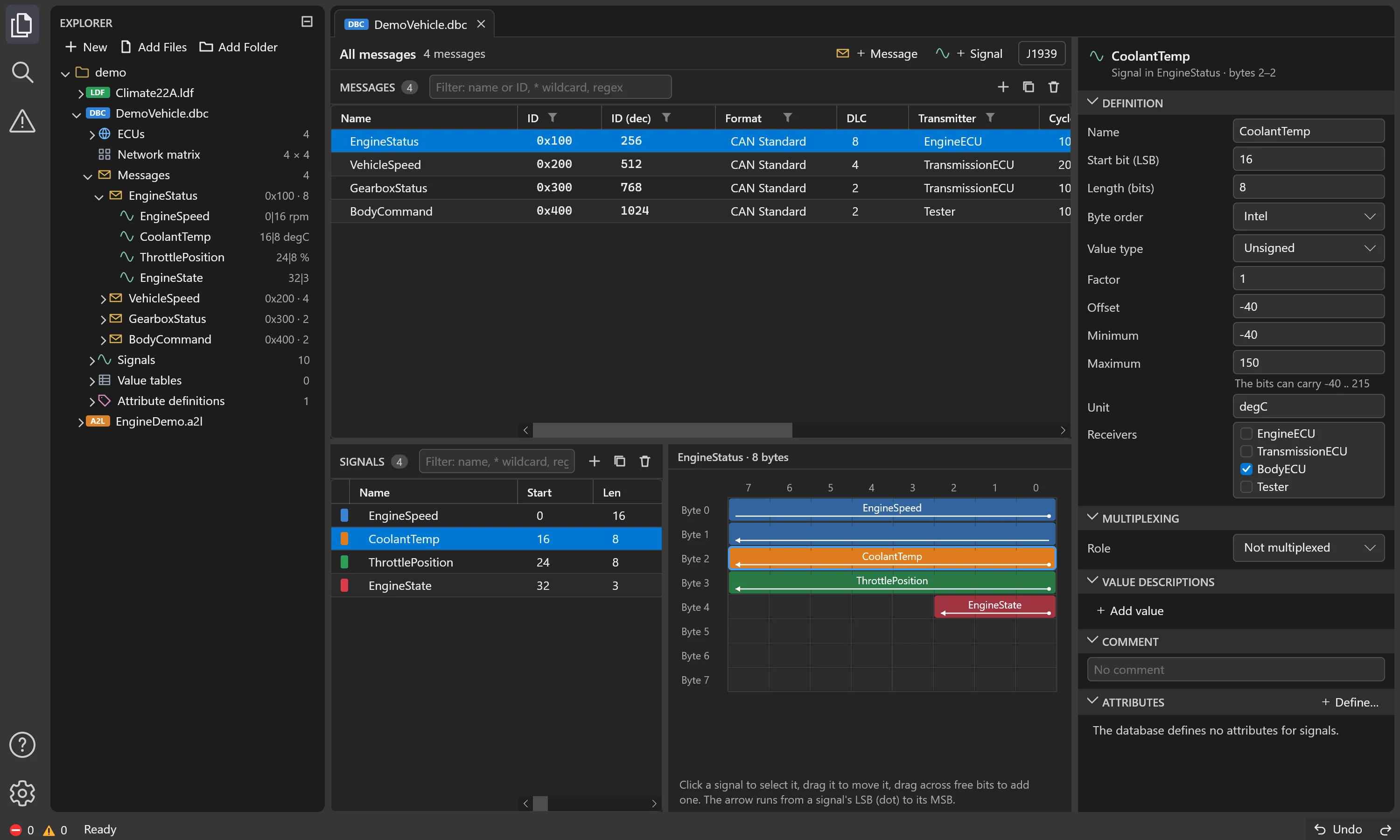
Messages, signals, ECUs, value tables, multiplexing and every attribute the database defines. J1939 identifiers edited as priority, PGN, source and destination.
Software/ DbEdit
Create and edit DBC, LDF and A2L files, free
DbEdit creates new DBC, LDF and A2L files and opens existing ones side by side, and edits them the way you think about them: messages in tables, signals on a bit layout, ECUs in a network matrix, every A2L object through its own form. Free of charge, with no licence key and no account.
What it is
Start a new DBC, LDF or A2L file, or add existing files and whole folders. Every DBC, LDF and A2L in them appears in the explorer, expands into its structure and opens in a tab, so a project’s network and ECU descriptions sit next to each other.
New files with one click, and your files and folders, kept up to date as files are added or removed on disk.
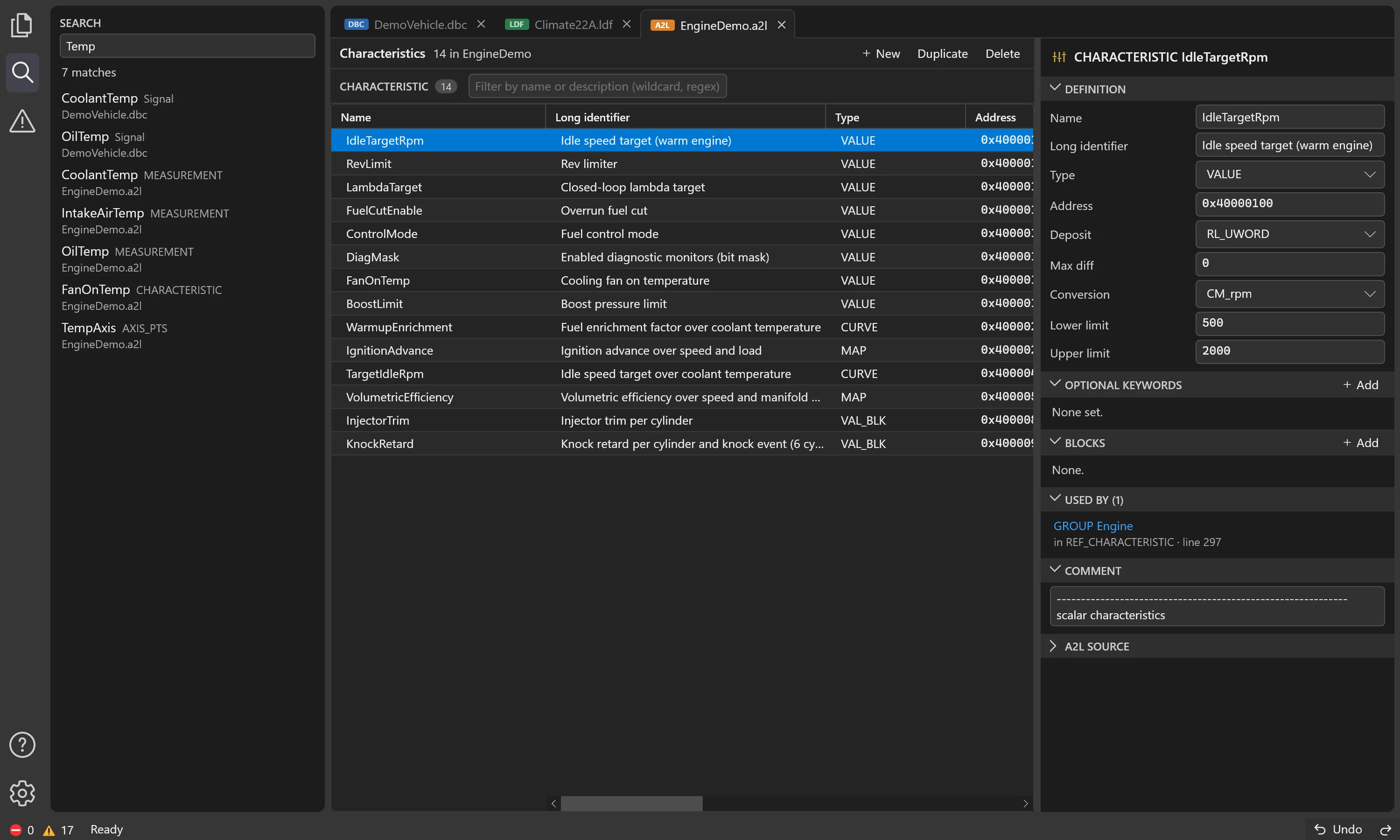
Messages, signals and A2L objects in lists you narrow by name, wildcard or regular expression.
Every property of the selected object, checked as you type. A refused value is marked and not applied.
The editors
Pick a scope in the explorer, work in its table, finish the details in the inspector. The same in all three editors.
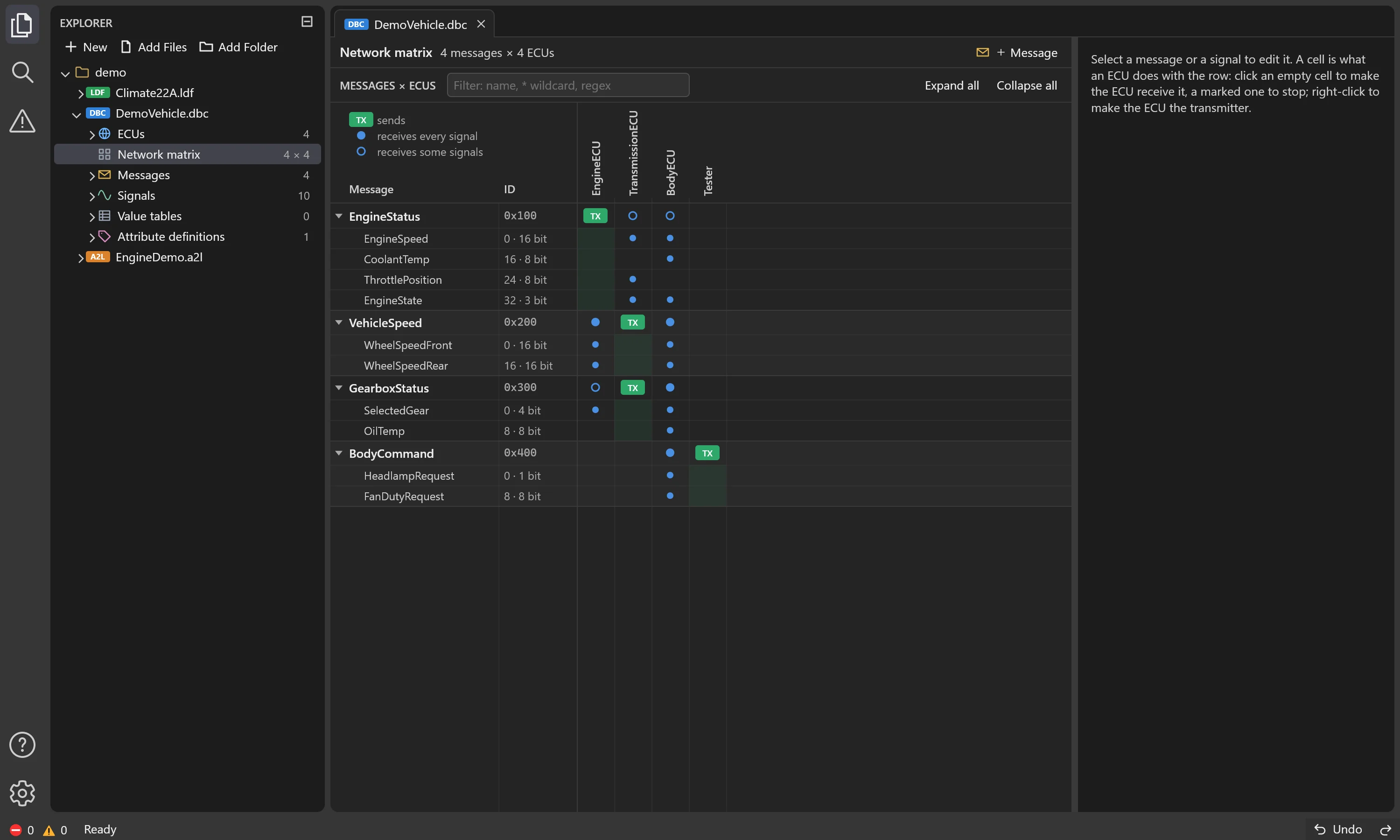
Messages, signals, ECUs, value tables, multiplexing and every attribute the database defines. J1939 identifiers edited as priority, PGN, source and destination.
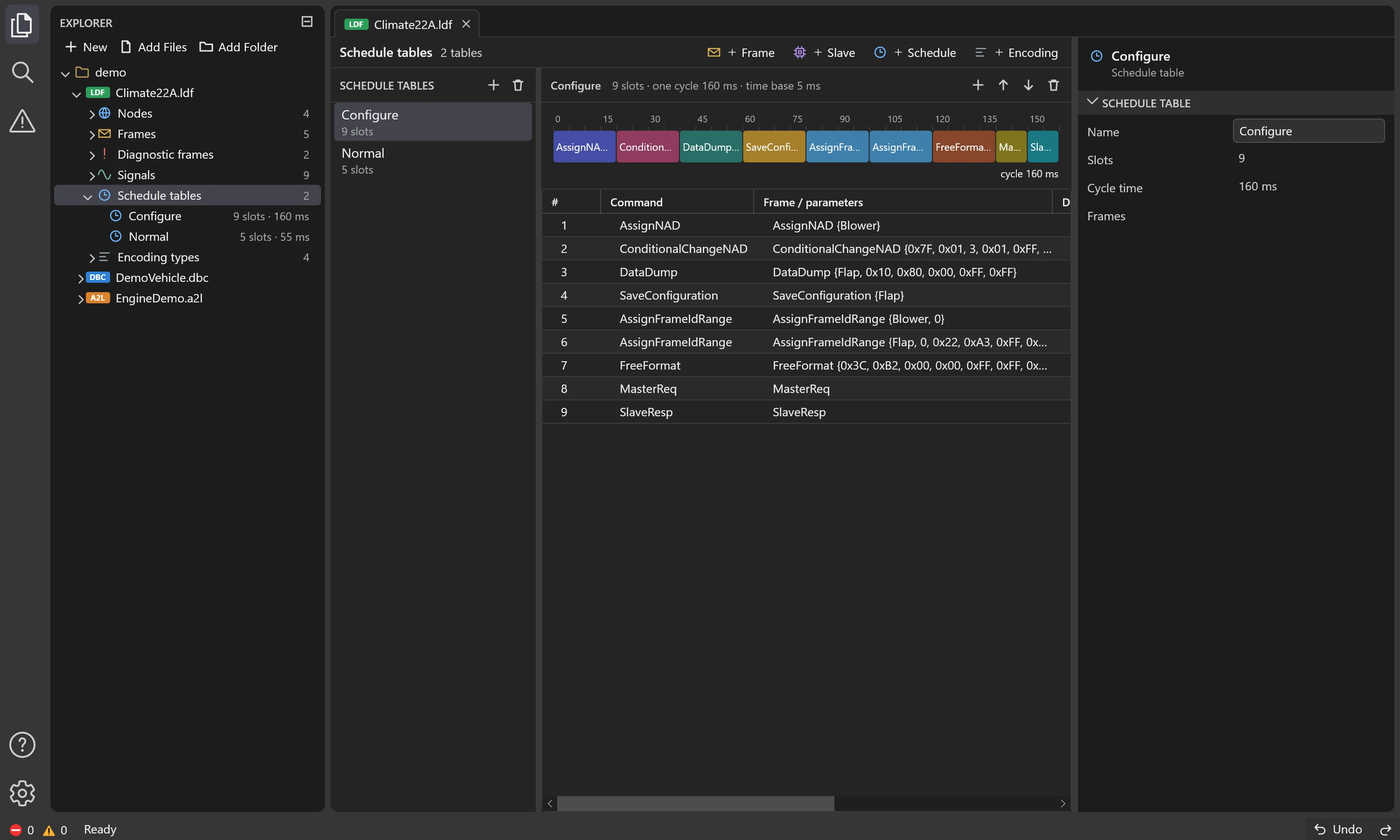
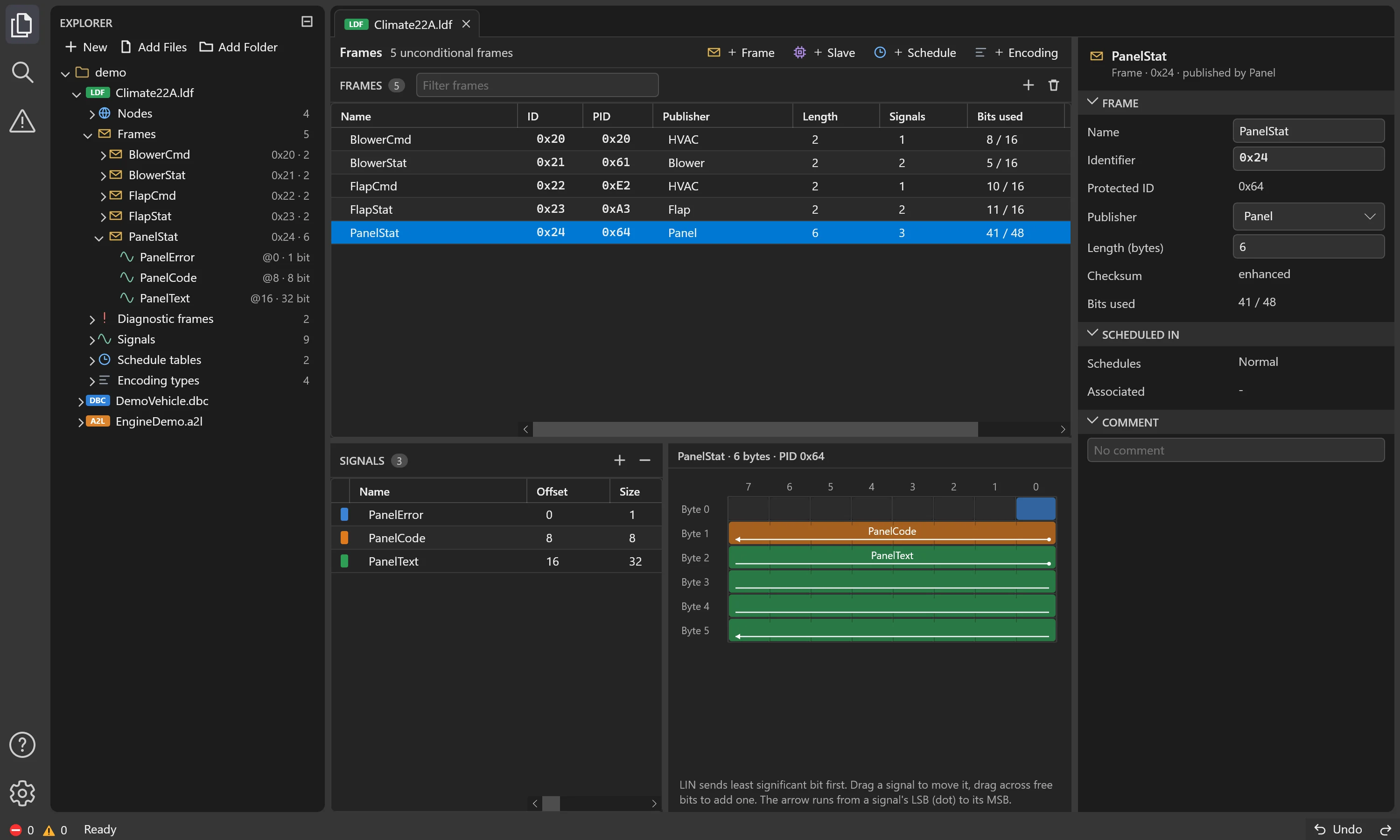
Frames and their signal layout, master and slave nodes, schedule tables with a time line of one cycle, encoding types, event-triggered and sporadic frames.
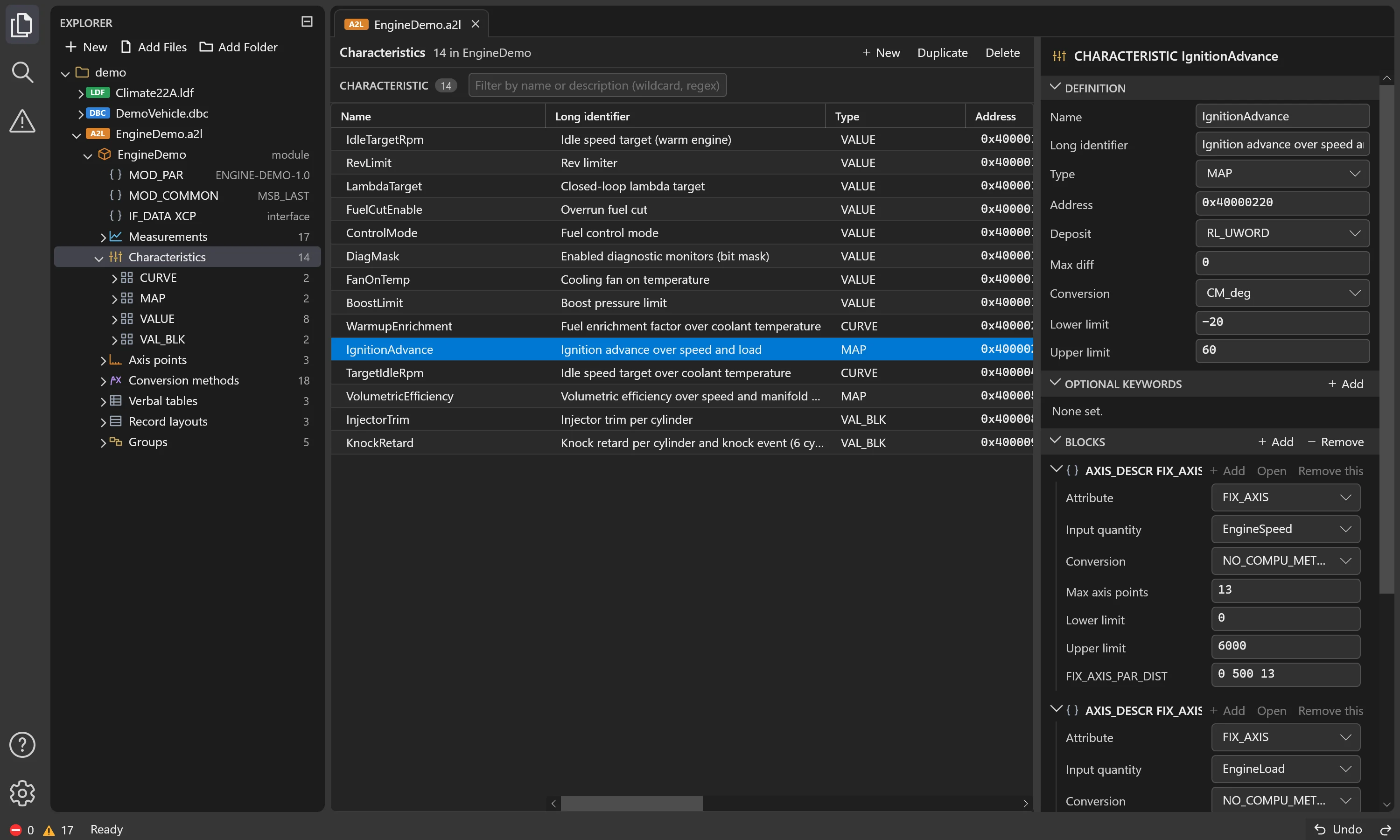
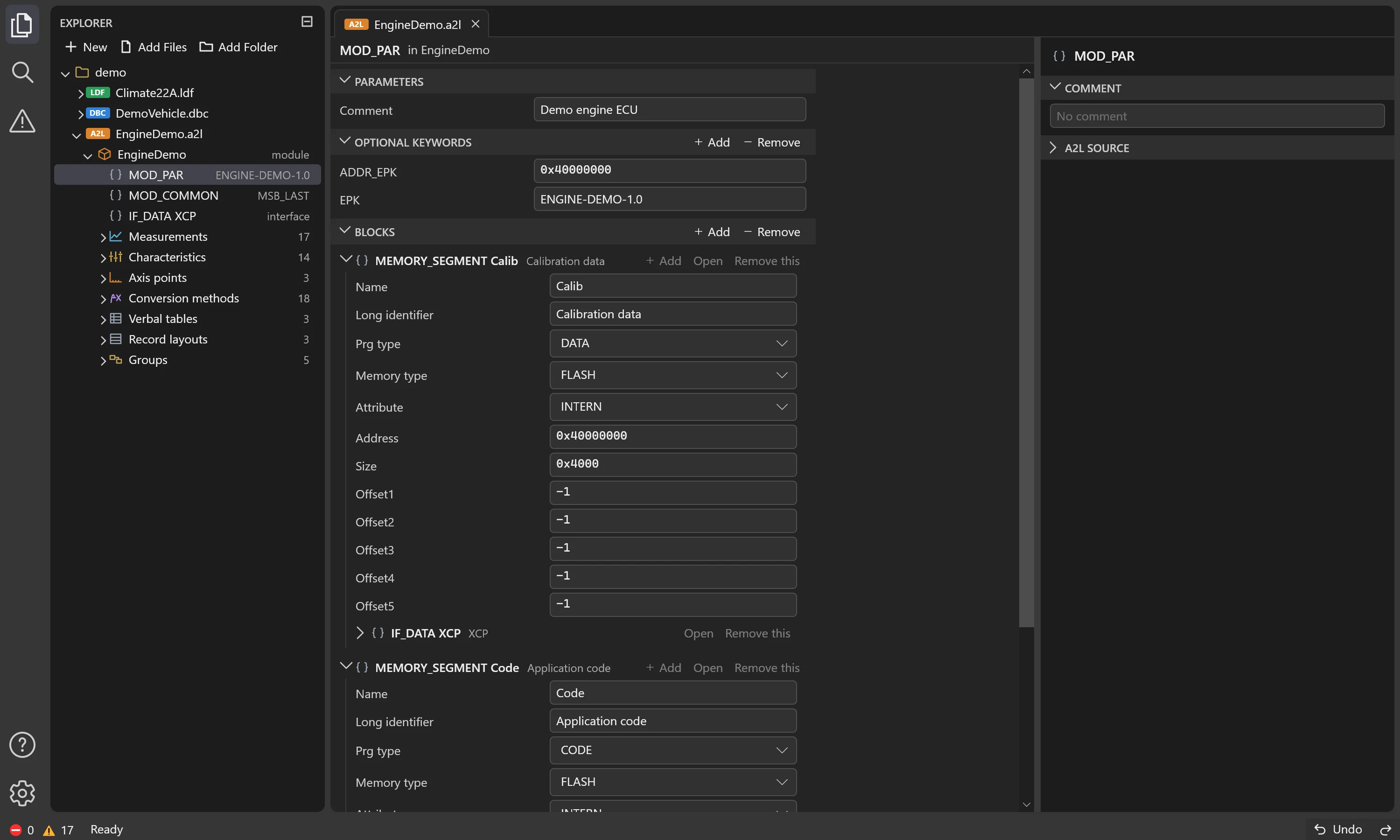
Every object of the file by kind, with the editor driven by the ASAM keyword schema. IF_DATA read through the file’s own A2ML, files of tens of megabytes.
What it does
Every picture is DbEdit itself, on the demonstration files from its user guide.
Each message is drawn as bytes and bits, with every signal one coloured block. Drag a signal to move it, or drag across free bits to add one, and the table follows.
The network matrix sets every message against every ECU. Open a message to see its signals, and click a cell to change who receives what.
A schedule table is an ordered list of slots and a time line of one cycle, so the timing of the bus is on the screen while you edit it.
Every kind of object is a table whose columns are the keyword’s parameters. Filter, sort and open any object in a form built from the ASAM schema: references as pickers, enumerations as choices, optional keywords one click away.
Every change can be undone, each format’s validator feeds one Problems pane, and a file changed by another tool is noticed and reloaded when you say so.
Screens
Each editor as it opens on the demonstration files. Click to enlarge.
Get it
DbEdit costs nothing. There is no licence key to request and no account to create: download the installer and start working.
One click gets the signed Windows installer of the newest version.
Nothing else is needed alongside it. Optionally opens .dbc, .ldf and .a2l files on a double-click.
DbEdit tells you when a new version is out and installs it for you. Your settings are kept.
Release notes and earlier versions: DbEdit releases on GitHub.
Formats
Downloads
System requirements
Also from Altech
CalTool reads the same DBC and A2L files to calibrate, log, diagnose and flash ECUs, and analyses CAN buses through their databases.
About CalToolGet in touch